
Solutions
ai certificate maker
•8 min readDiscover the best AI certificate maker tools to design, automate, and issue professional credentials.

Khushi Bhatia
Updated on Sep 02, 2026
In this article
Ready to automate?
Join thousands of organizations using Certopus to issue verifiable digital credentials.
Get Started FreeIntroduction
The demand for online learning, corporate training, and skills-based hiring has exploded. Because of this, standard graphic design workflows can no longer keep pace with credentialing needs. Manual data entry and generic clip-art borders feel outdated.
Today, modern organizations need speed, scalability, and absolute security against fraud. This is exactly where an ai certificate maker changes the game.
AI-driven platforms eliminate the frustrating "blank canvas anxiety." They allow you to turn simple text descriptions into high-quality, professional awards in seconds.
Whether you run a university, manage corporate L&D, or host a local fitness workshop, finding the right tool is critical. This guide breaks down the top five AI tools to create certificates online, focusing on real-world utility, design depth, and scalability.
The Shift to AI in Digital Credentialing
Traditional design tools require you to browse through thousands of rigid layouts. If you find one you like, you are stuck forcing your brand colors, logos, and long course titles into pre-set boxes. The text overflows, the alignment breaks, and you waste hours fixing minor formatting issues.
An AI certificate maker approaches design differently. It understands the context of your event. By analyzing your prompt, it builds a cohesive structure from the ground up, matching the appropriate typography, layout, and visual tone automatically.
For professional issuers, the benefits extend beyond aesthetics. AI streamlines data mapping, automates email delivery, and ensures your digital badges look crisp across all devices.
Crucial Features of a Professional AI Certificate Maker
Before choosing a platform, it is important to know what separates a casual graphic design app from a robust credentialing engine:
- Prompt-Based Contextual Generation: The ability to understand specific industry themes and translate them into mature layouts.
- Dynamic Field Mapping: Seamlessly injecting names, dates, unique ID numbers, and custom fields into bulk batches without alignment issues.
- Verifiable Security: Integration with secure hosting, QR codes, or digital badges to prevent forgery.
- Accessible Formats: Clean, compliant workflows to customize a PDF online and ensure smooth downloads.
Top 5 AI Certificate Makers
1. Certopus
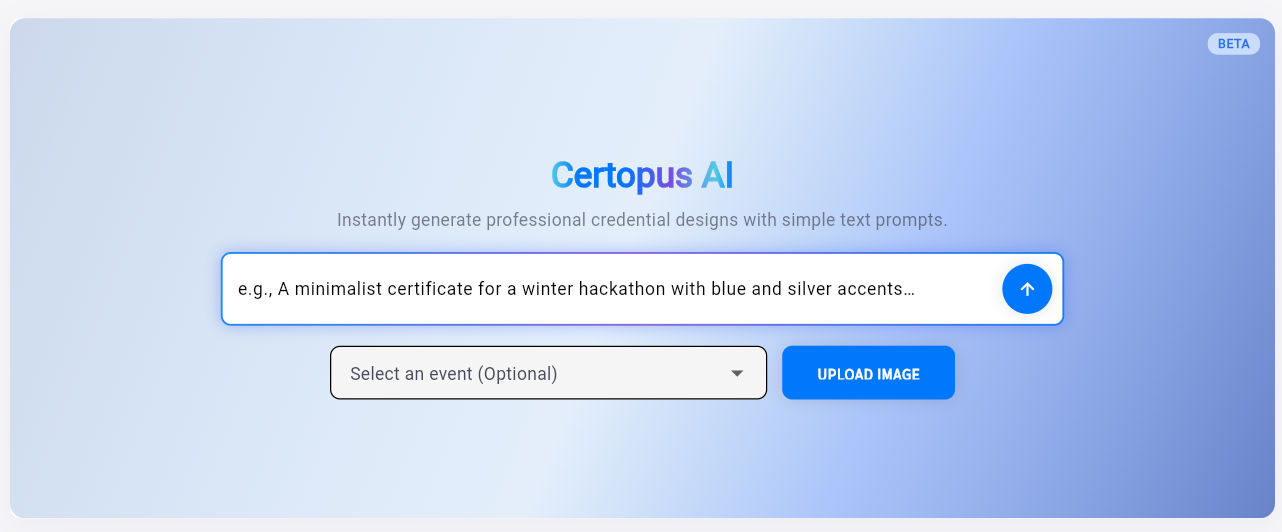
Certopus approach to credentialing shifts the focus away from old-school template scrolling. Instead of forcing you to hunt through fixed layouts, the platform utilizes an automated, prompt-centric design workflow.
How It Works
You can generate certificates through two seamless methods:
- Directly from the Dashboard: Navigate to the AI section, enter a descriptive prompt (e.g., "completion certificate template for an elite corporate data analytics boot camp with a minimalist corporate aesthetic"), and hit enter. The AI creates a custom, editable layout built specifically around that context.
- Through the Events Section: Link your AI-generated layout directly to an active event workflow. This maps your design straight to your recipient list for instant automated delivery.
Key Highlights
- Tailored Structures: Colors, borders, and font weights adapt strictly to your prompt context instead of reusing identical, reshuffled layouts.
- High Security & Verifiable Data: Generates verifiable links and digital badges that allow employers to confirm certificate authenticity instantly.
- Clean Text Formatting: Built-in safeguards protect long names and text fields from overlapping or running off the page edges.
2. Canva (AI Magic Design)
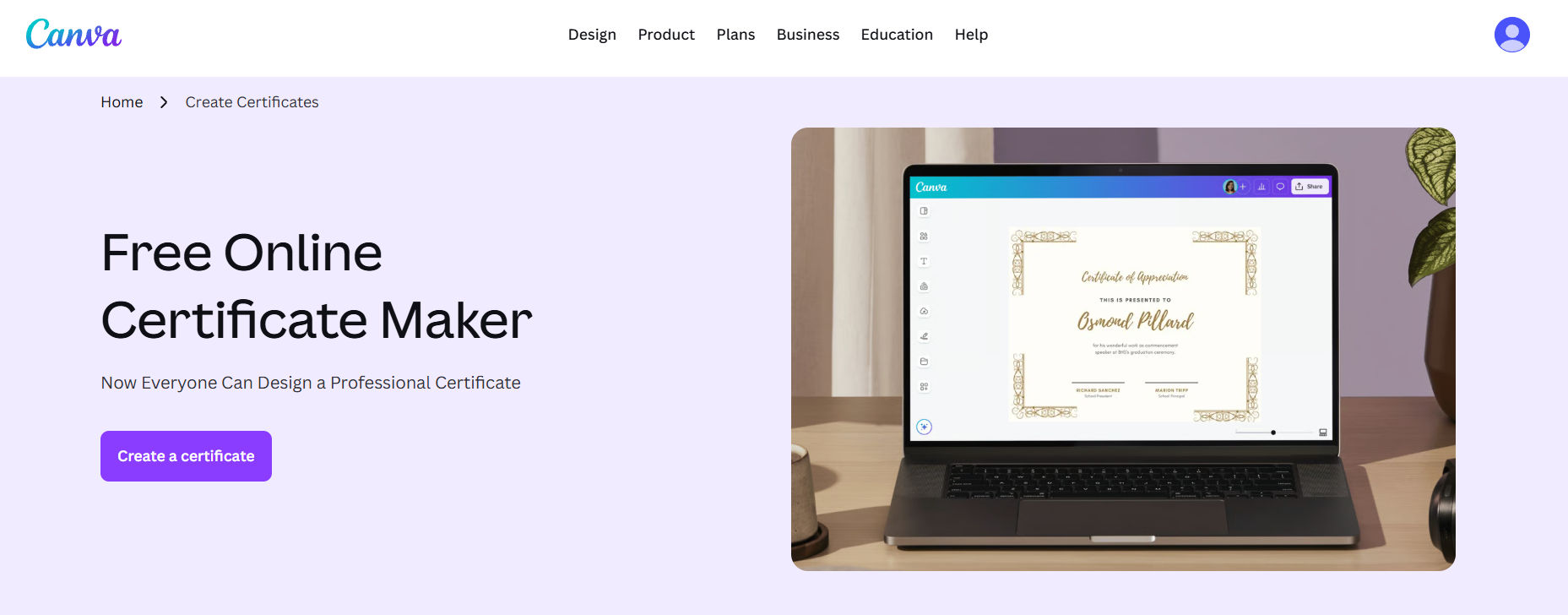
Canva remains a dominant powerhouse in the general graphic design space, and its AI-driven features make it highly accessible for building an award certificate template.
How It Works
Users can access the "Magic Design" assistant by typing a design intent into the search bar. Canva then outputs a series of customized starting points. From there, you can leverage their massive library of graphics to add specific icons, fine-tune border styles, and modify the background canvas.
Key Highlights
- Unmatched Layout Variety: Gives you immediate access to millions of graphic elements, unique stickers, and decorative flourishes.
- Intuitive Interface: The drag-and-drop mechanics are incredibly user-friendly for people who want absolute visual control over every layer.
- Collaborative Editing: Allows multiple team members to leave comments, alter text formatting, and review draft iterations in real time.
3. Certifier
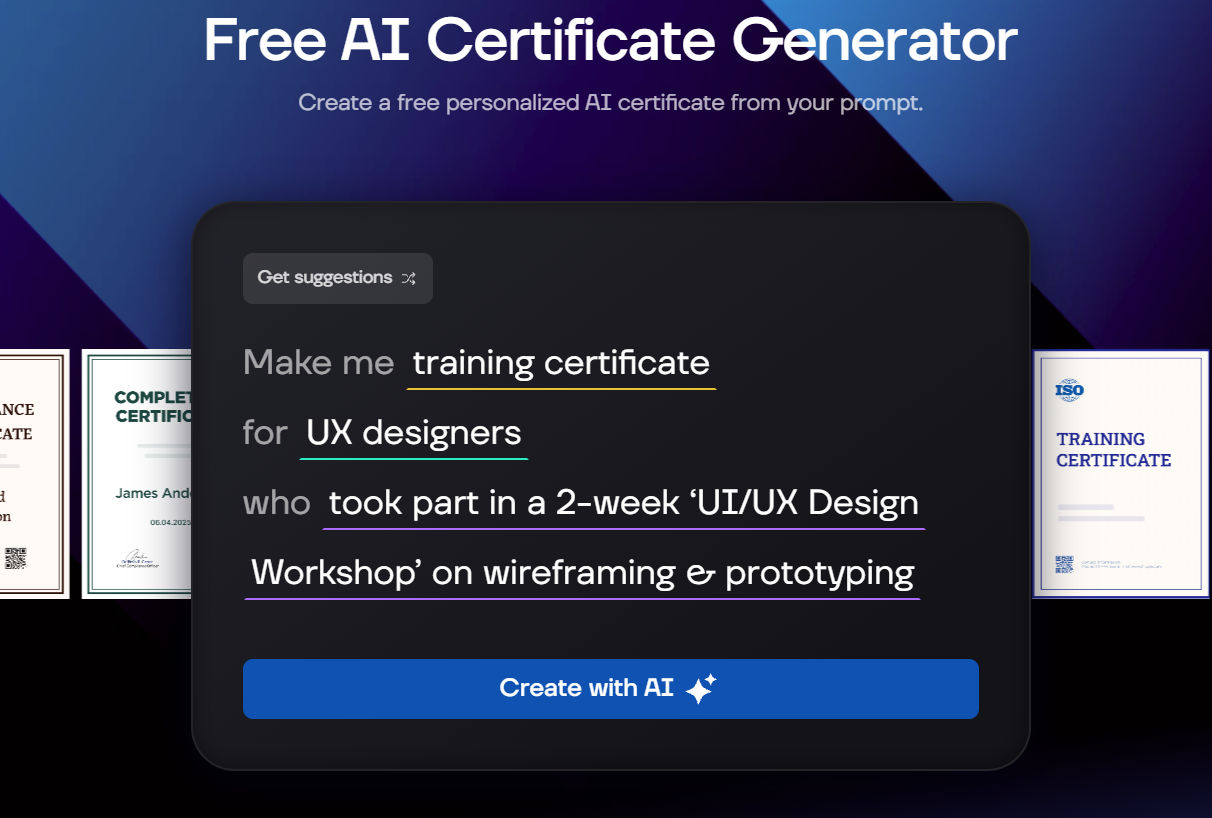
Certifier focuses heavily on the administrative side of building digital credentials, making it a reliable free certificate generator for traditional training academies and EdTech operations.
How It Works
Certifier provides a structured design studio where you can build digital blueprints. You choose from pre-made professional styles or use their basic layout wizards to organize your text. Once the layout is locked, you connect your student spreadsheets to distribute final digital copies.
Key Highlights
- Strong Mass Distribution: Built-in email marketing tools handle high-volume distribution pipelines cleanly.
- Granular Tracking Metrics: The dashboard tracks precisely who opened their email, who downloaded the PDF, and who shared their achievement on social media.
- LinkedIn Optimization: Formatted perfectly to allow recipients to attach their new badges to their professional profiles with a single click.
4. Adobe Express
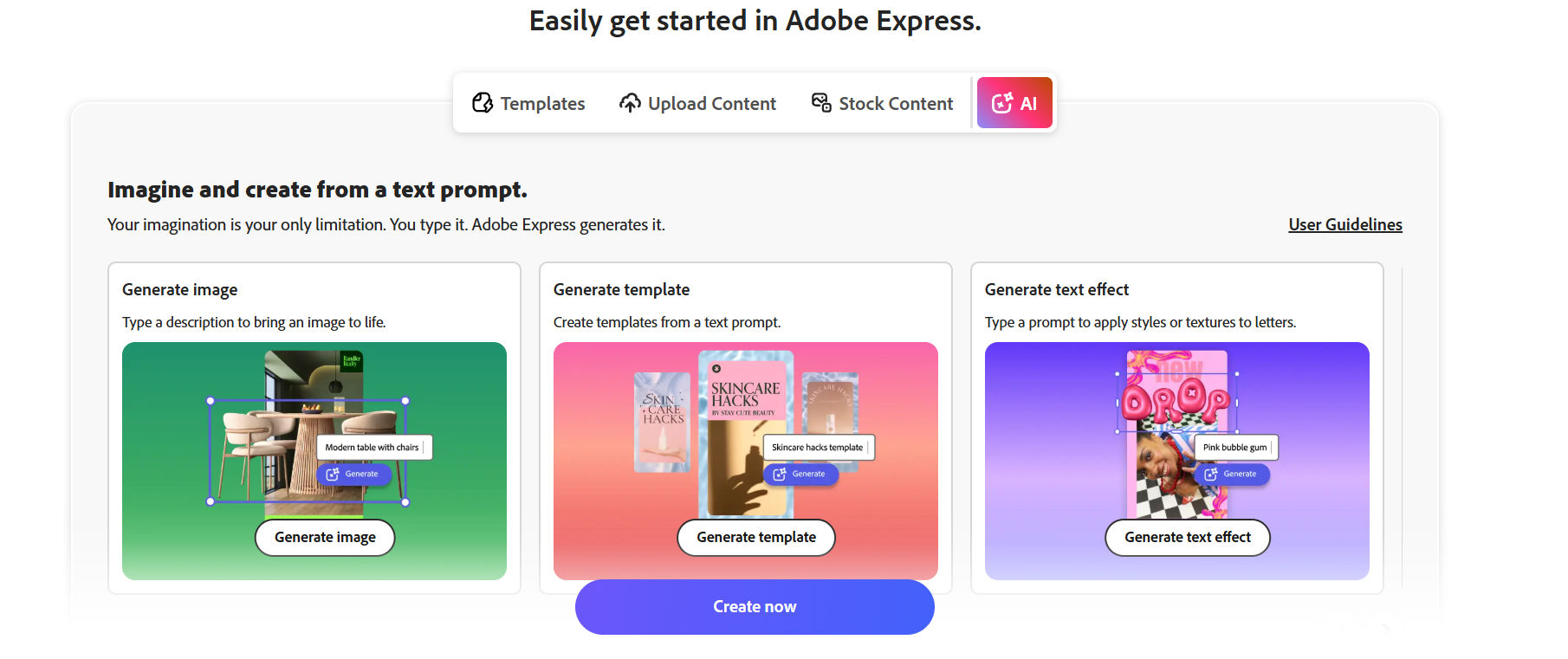
Adobe Express blends the deep graphic heritage of the Adobe ecosystem with automated, lightweight AI workflows designed for non-designers.
How It Works
Using generative text-to-image and styling capabilities, Adobe Express helps you generate custom background textures, unique frames, and high-impact text effects. You select a baseline orientation, use AI to generate complex floral or geometric border art, and place your typography blocks cleanly over top.
Key Highlights
- Advanced Font Styling: Includes access to the extensive Adobe Fonts collection, giving your certificates a polished, expensive appearance.
- Asset Harmonization: The AI ensures secondary graphical accents seamlessly match the core color mood of your main logo.
- Multi-Format Exports: Handles complex file conversions easily, making it simple to download high-resolution print files or lightweight web graphics.
5. Template.net
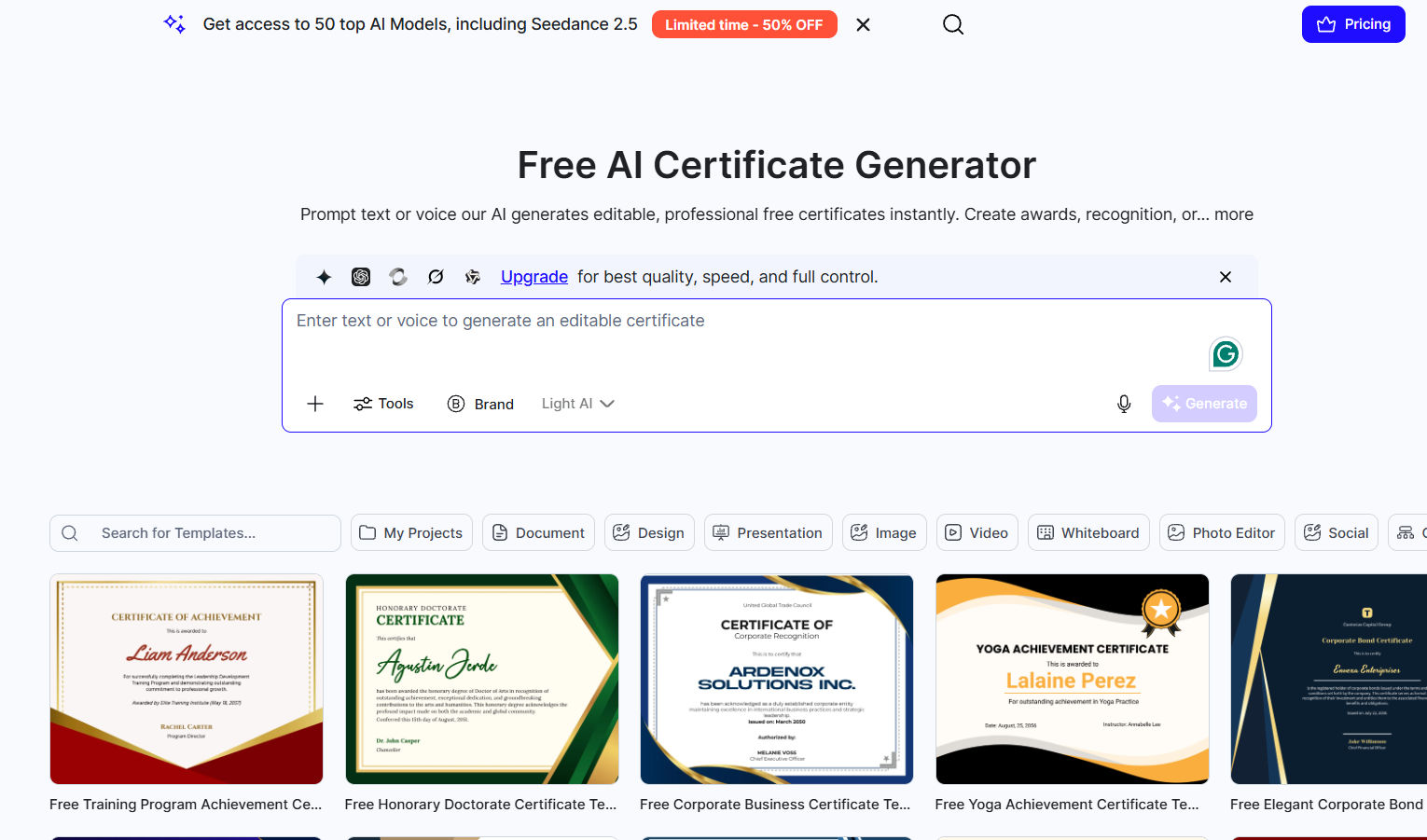
Template.net operates as a direct, no-nonsense utility for individuals and small teams who want a fast, simple layout without navigating heavy enterprise software.
How It Works
You pick your primary industry niches uch as corporate compliance, academia, or creative arts. The AI engine asks a few brief setup questions about your organization, then instantly generates a handful of clean, balanced variations ready for immediate data input.
Key Highlights
- Zero Onboarding Friction: You don’t need to watch extensive tutorials or learn complex layer hierarchies to get a clean result.
- Print-Ready Bleed Options: Layouts are pre-configured to ensure that borders don't get clipped when sent to local commercial printing shops.
- Lightweight Asset Weight: The output files stay tightly compressed, preventing large email attachments from bouncing or getting caught in spam filters.
Direct Comparison: Finding Your Fit
| Platform | Best For | Core Design Strengths | Verification Security |
|---|---|---|---|
| Certopus | Automated prompt generation & secure data bulk issuance | Context-aware dynamic generation, flawless text safety | High (Encrypted URLs & social badges) |
| Canva | Complete visual creative control and teamwork | Vast graphic asset catalog, highly tactile adjustments | Low (Relies on static images) |
| Certifier | Analytics tracking & high-volume email workflows | Standard polished corporate shapes | High (Verifiable PDFs) |
| Adobe Express | Deep artistic control over text textures and styling | High-end typography, unique generation assets | Medium (Standard metadata protection) |
| Template.net | Quick single-use designs with minimal setup | Simple, quick industry-standard variations | Low (Basic file downloads) |
Where AI Certificate Makers Are Headed
A few patterns are showing up across the space worth watching. Hyper-personalized achievement text certificates that describe exactly what a learner completed, not just their name is becoming more common. So is the shift toward agentic issuance, where a certificate is triggered automatically by an event in an LMS or CRM rather than a person clicking "send."
If either of those matters to your program, it's worth checking a platform's roadmap, not just its current feature list, before committing.
Ready to issue verifiable credentials?
Book a personalized demo with our founder to streamline your digital credentialing workflow.

Frequently Asked Questions
For digital use and social sharing, high-resolution PNGs or standard PDFs work perfectly. If your students plan to print their credentials to frame on an office wall, ensure your AI certificate maker lets you export uncompressed vector files or CMYK-optimized PDFs to keep the lines and text absolutely sharp.
Yes. Professional grade software allows you to upload a basic CSV spreadsheet or integrate via an API. The AI engine holds your design structure locked in place while dynamically stamping individual recipient names and distinct registration numbers into each separate slot instantly.