
Solutions

Mixpanel Certopus integration
•7 min readLearn how to integrate Mixpanel with Certopus to track certificate views, shares, and verifications..

Khushi Bhatia
Updated on Aug 06, 2026
In this article
Ready to automate?
Join thousands of organizations using Certopus to issue verifiable digital credentials.
Get Started FreeMixpanel Integration with Certopus
Integrating Mixpanel with Certopus turns your digital certificate issuance into actionable data. Mixpanel is a leading product analytics tool that helps you track how users engage with your product. By linking it to Certopus a free AI-powered certificate design and issuing platform you can see exactly how recipients interact with the credentials you send. In short, every certificate view, share, or verification becomes a data point in Mixpanel. This guide walks through why this integration matters, and the simple steps to set it up.
What Is Mixpanel and Why Use It?
Mixpanel is built around events and user behaviors. It captures actions (events) that users take in your app or website and lets you slice and visualize the data. In our case, each certificate interaction (like a recipient opening a certificate, clicking a link, or verifying it) can be an event. For example, you could tag events such as Certificate Viewed, Certificate Shared, or Certificate Verified in Mixpanel. Mixpanel's interactive reports, funnels, and cohort analysis then help answer questions like "How many learners opened their certificate?" or "Do users who verify certificates also complete additional courses?"
Mixpanel makes it easy to answer these questions. Instead of relying on guesswork or manual reports, you get real numbers and trends — helping you understand how customers engage with your product through interactive, data-backed reporting. By integrating Mixpanel, every certificate issued through Certopus immediately feeds data into these analytics reports.
What Is Certopus?
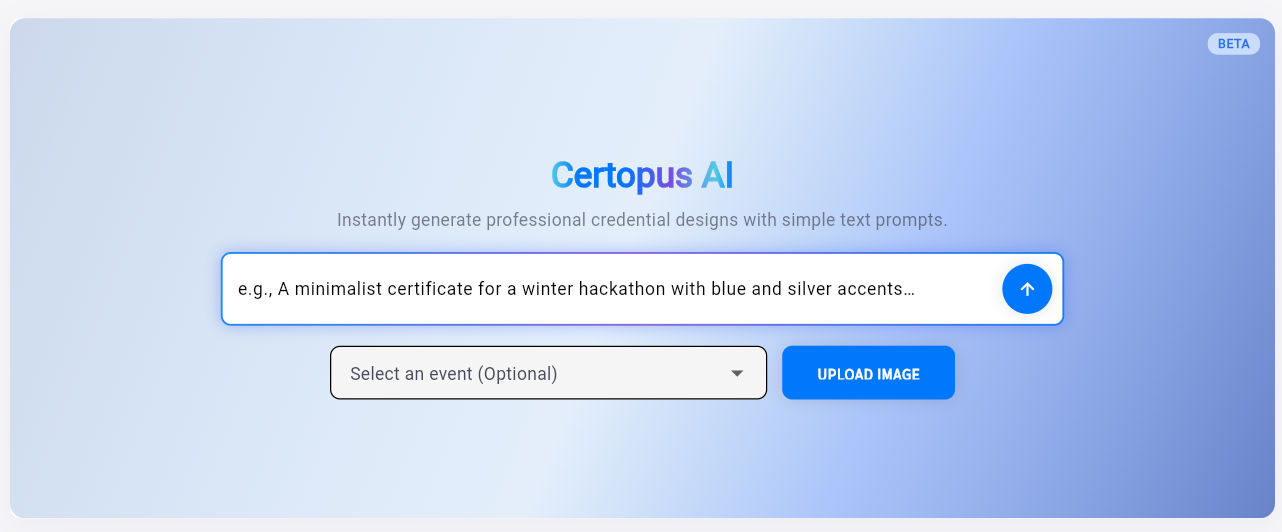
Certopus is an AI-driven credential platform where you can design, issue, and verify digital certificates and badges. Using natural language prompts, Certopus's AI certificate generator creates professional designs in seconds. Instead of starting from a fixed template, the AI reads your description and generates a custom layout.
For example, you might type Certificate of Completion for John Doe – Completed 10-hour Python course on July 2026," and Certopus will return a polished certificate design instantly. The AI certificate designer is free to try, so anyone can start designing without cost.
More importantly, Certopus is more than just a design tool it's a credentialing platform. You can issue certificates or badges in bulk, and every certificate has a verifiable link. Certificates issued through Certopus can be verified, shared as a link, and tracked, so you always know whether a certificate is genuine and whether a recipient has opened it.
This built-in tracking covers the basics (views, clicks, verifications) that most static design tools lack. By sending these Certopus events into Mixpanel, you unlock deeper analytics on each credential's life cycle.
Benefits of the Mixpanel + Certopus Integration
Integrating Mixpanel brings your credential data into a full analytics suite. Here's what you can do once it's set up:
- Track Certificate Engagement: See how many recipients view each certificate. For example, you can report on "Certificate Viewed" events in Mixpanel, helping you measure open rates.
- Monitor Shares and Virality: If recipients share certificates (on social media or via email), count those "Certificate Shared" events. This can reveal which achievements motivate sharing.
- Verify Certificate Usage: Log "Certificate Verified" or similar events when someone checks the credential's authenticity. This tells you how often certificates are validated.
- Analyze Cohorts and Funnels: Mixpanel lets you create funnels (e.g., Issued → Viewed → Verified) and retention analyses. You might discover that 80% of learners open their certificate, but only 20% follow the link to verify it. These insights can guide improvements in your training or communications.
- Correlate with Learning Data: Combine certificate events with other product or LMS data. For instance, link certificate issuance to course completion events to see if certification drives continued learning.
This integration turns certificate issuance into product analytics. Certopus already tracks opens and shares. Mixpanel adds dashboards, segmentation, and alerting on top. Organizations like universities or corporate L&D teams can use these metrics to prove ROI
For example, showing that certificates were issued, a majority were opened within a week, and a meaningful share of recipients went on to enroll in another course. That level of insight is only possible when certificate events flow into Mixpanel.
How to Integrate Mixpanel with Certopus (Step-by-Step)
Setting up the integration takes only a few minutes. The key is your Mixpanel Project Token, which authorizes Certopus to send data to Mixpanel.
- Log into Certopus (or Sign Up Free): First, access your Certopus account. If you don't have one, create a free account now. You can immediately start designing certificates with the AI generator.
- Open the Integrations Settings: In your Certopus dashboard, navigate to Settings → Integrations (or just "Integrations") and choose Mixpanel as the service to connect.
- Get Your Mixpanel Project Token: In Mixpanel, go to Settings → Project Settings → Access Keys. Copy the Project Token shown there.
- Paste the Token in Certopus: Back in Certopus, paste the Mixpanel Project Token into the Mixpanel integration field and click Save.
- Confirm the Connection: Certopus should display a confirmation message like "Analytics configuration updated successfully." This means Mixpanel is now connected. Any certificate events (views, shares, verifications) will start flowing into your Mixpanel project.
Once these steps are complete, you can open Mixpanel to verify data is arriving. In Mixpanel's Live View or Events dashboard, look for new events named after your certificates' interactions.
Analyzing Certificate Data in Mixpanel
After integration, you can immediately use Mixpanel's tools. For example:
- Create Funnels: Define a funnel from "Certificate Issued" to "Certificate Viewed" to see how many recipients actually open their certificates over time.
- Use Insights Reports: Chart total certificate views per month, or segment by certificate type or cohort.
- Build Dashboards: Add these reports to a Mixpanel dashboard so stakeholders can always see current credential metrics.
Each certificate interaction is treated as an event in Mixpanel. You might label events like certificate_issued, certificate_opened, or certificate_verified. Events are the core of Mixpanel's data model, so ensuring each important step in your credential workflow fires an event gives you a complete analytics picture.
Getting Started: Free Design and Pro Analytics
It's worth noting that Certopus's AI certificate generator is free to use. You can sign up at no cost and design unlimited one-off certificates. (Paid plans apply when you need bulk issuing, verification links, or advanced analytics, but you can generate and track a single certificate freely.)
In practice, you can start with a free account: design your certificate, issue a demo credential to yourself, and then integrate Mixpanel as above. You'll immediately see your own certificate events appear in Mixpanel.
Whether you're a training manager or event organizer, this integration amplifies the value of your credentials. You're no longer left guessing who's using your certificates you have hard data. With Certopus's intuitive AI design and Mixpanel's robust analytics, tracking digital credential performance has never been easier.
Key Takeaways
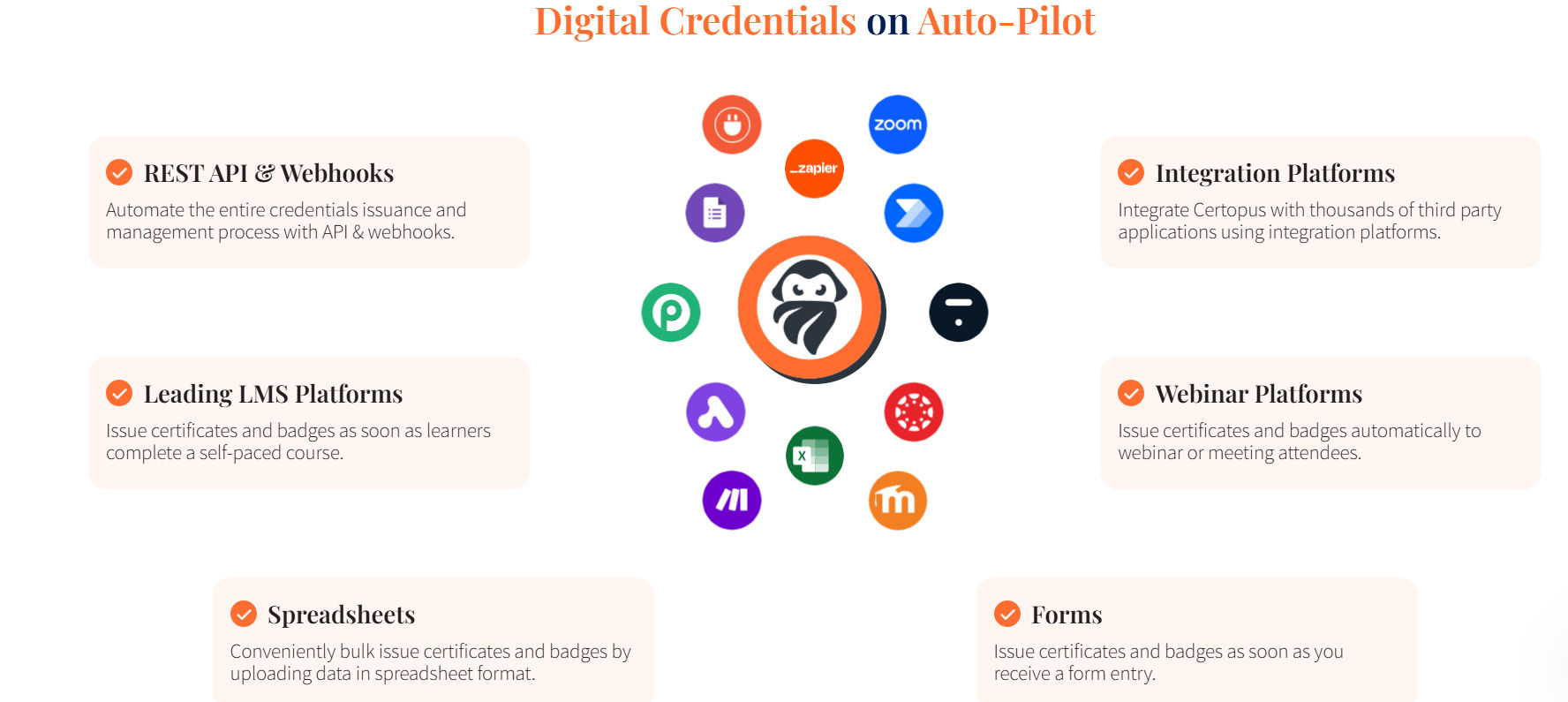
By integrating Mixpanel with Certopus, you turn certificate interactions into data. In just a few clicks, you can:
- Track certificate opens and shares in Mixpanel
- Measure verification counts and other key events
- Analyze how certificates influence user engagement
- Leverage Certopus's free AI certificate maker for design and Mixpanel for reporting
- Start with zero cost (free design) and scale up analytics as needed
Now, connect Mixpanel and Certopus to gain deeper insights into your digital certificates and credentials.
💡Book a demo**
Ready to issue verifiable credentials?
Book a personalized demo with our founder to streamline your digital credentialing workflow.

Frequently Asked Questions
No. You can design certificates for free using Certopus's AI certificate generator. Paid plans are only required for features like bulk certificate issuing, verification links, and advanced analytics. You can still generate and track a single certificate at no cost.
Certopus can send events related to key certificate interactions, including certificate_issued, certificate_opened (viewed), certificate_shared, and certificate_verified. These events can be used to build funnels, dashboards, cohort analyses, and engagement reports in Mixpanel.
In Mixpanel, navigate to Settings → Project Settings → Access Keys to find your Project Token. Copy the token, then go to Certopus → Settings → Integrations, paste it into the Mixpanel integration field, and save the configuration to complete the connection.